Video trimmer for Mac
Fast at every step. Video trimming for Mac
Open from Finder, cut what you don’t need, and save.
Save storage space before editing or storing your videos.
Reduce token usage before AI editing, too.
macOS 14+ MP4 / MOV / MKV
Your videos stay on your Mac. No uploads. No account.
Everything you need for a quick cut
-
Opens instantly, no project setup
No library, nothing to import. Edit the moment it opens. -
Fast cuts with shortcuts
E to split, R to delete, JKL to scrub. Remap any key. -
Save without re-encoding it all
Smart cutting processes only the cut boundaries and copies the remaining video as-is.

OBS / MKV
Supports OBS’s MKV format too
Alongside MP4 and MOV, QuickCut supports stream recordings saved as MKV in OBS. Get started faster on stream highlights and recap videos.
Supported formats and MKV limitations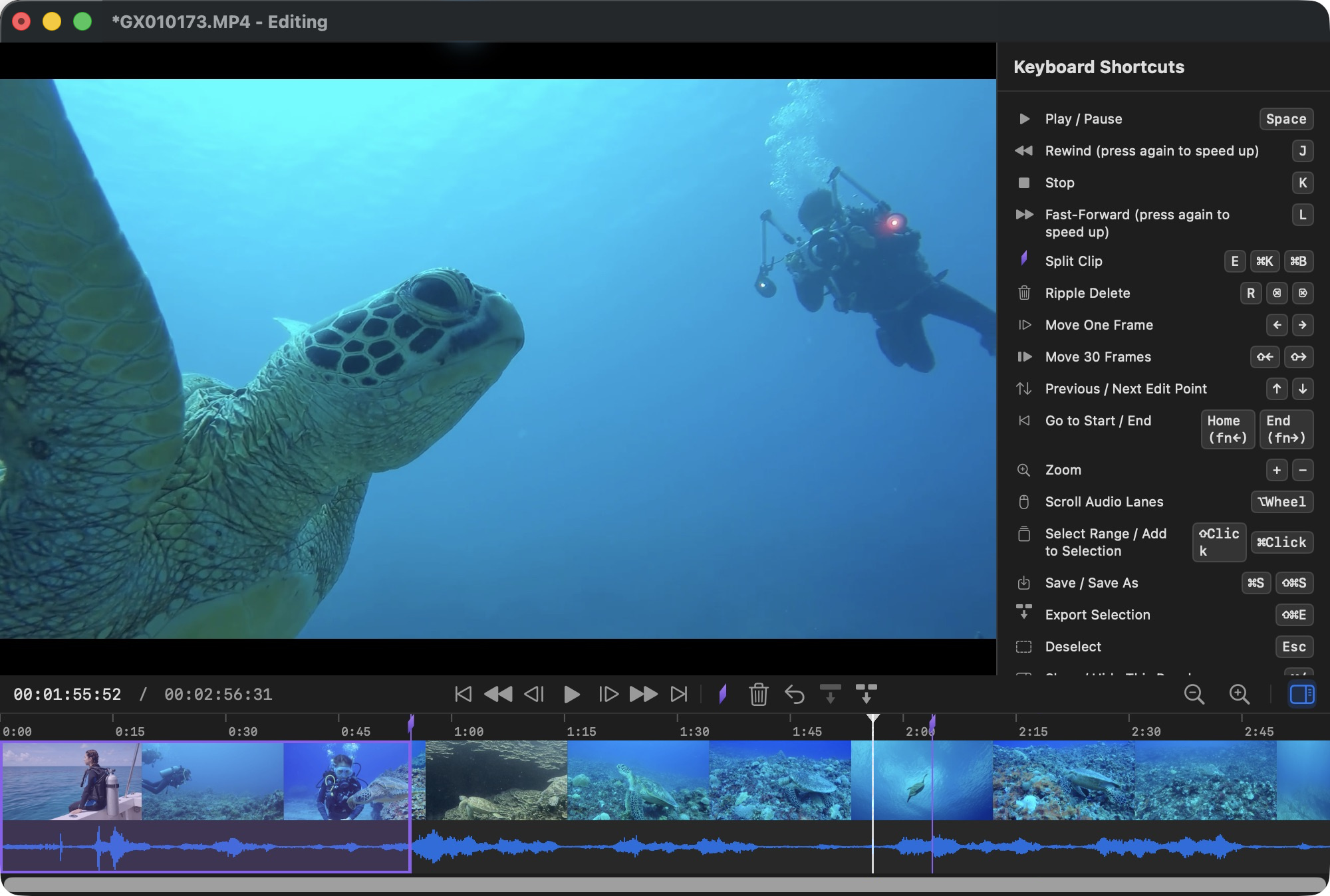
Simple controls for precise cuts
-
Clip several scenes at once
Scattered scenes export in one go. -
Find it fast: waveform and thumbnails
Silence and dead spots stand out. -
Play and edit OBS recordings
Open MKV recordings directly, cut stream highlights and save as MP4.
QuickCut for Mac
Try every feature free
Use every feature free for your first 20 exports. When you need more, a one-time in-app purchase of “QuickCut Unlimited” unlocks unlimited exports. No subscription.

Supported formats and MKV limitations
MP4 / MOV / MKV — including OBS recordings
Supports recordings with H.264/HEVC video and AAC audio. MKV originals cannot be overwritten. VP9 is not supported; AV1 depends on your Mac's decoder. Unsupported audio tracks and subtitles are listed before import so you can review what will be excluded.
Please note
- QuickCut only cuts. It doesn’t add titles, effects, or music
- MKV files are saved as MP4; you can’t overwrite an MKV
- VP9 and AV1 videos may not open on some Macs
QuickCut for Mac
Fast at every step. Video trimming for Mac